T3sla Mirror
Your Android phone, on the Tesla screen.
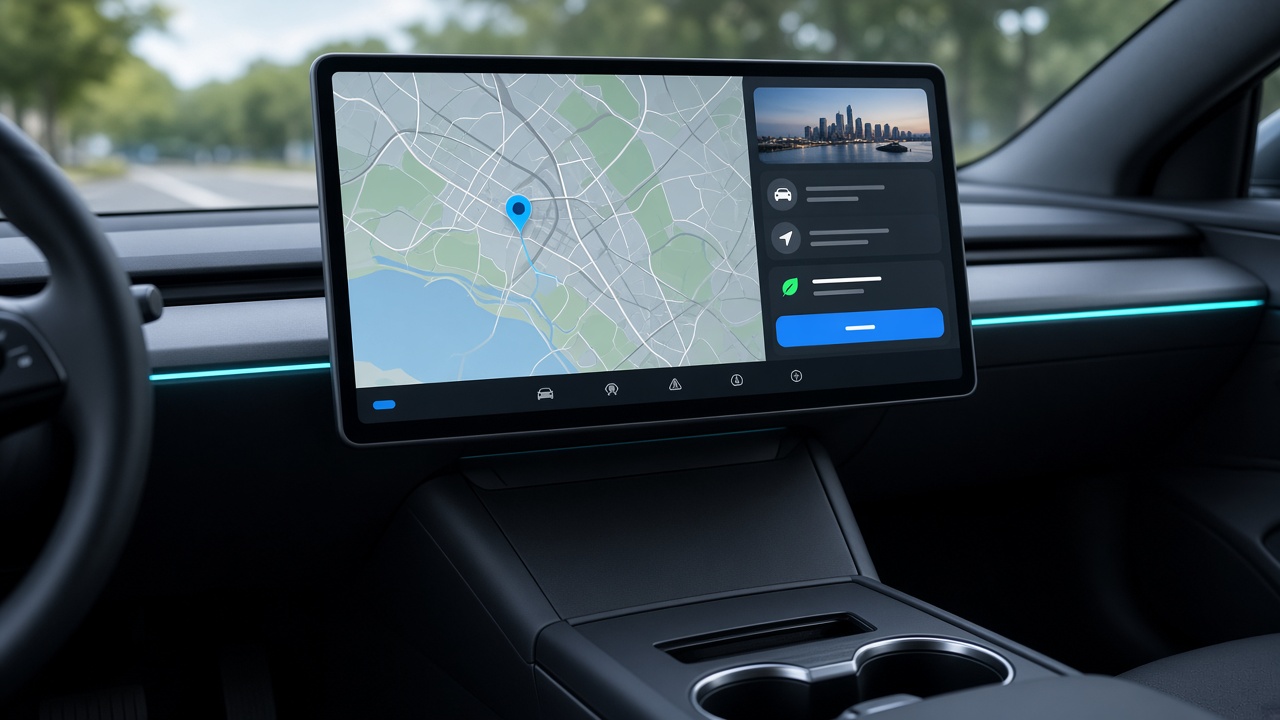
Mirror ride apps, maps, and everyday tools into the in-car browser — then tap and scroll from the car display.
Parked use only. Set up and operate the phone or Tesla browser only while the vehicle is safely parked. The driver must never interact with either screen while driving.
What you can use it for
Anything on your unlocked Android screen can appear in the car — useful when an app is missing from the Tesla UI.
- Ride apps Uber, Lyft, and similar — accept trips and navigate from the car display.
- Maps & places Alternate navigation, parking, or destination search on the phone UI.
- Messaging & tools Quick replies, schedules, or work apps a passenger can operate while parked.
How it works
-
1
Open this site in the Tesla browser
Log in, then open Connect to show a pairing QR.
-
2
Scan with the Android app
T3sla Mirror on your phone joins the session and starts capture.
-
3
Enter the PIN & drive the UI
Verify once, then touch the car screen to control the phone.
Video and control go through a secure relay — keep mobile data on. Not affiliated with Tesla or any ride company.
Common questions
Which phones and Teslas work?
Android phones with screen capture and the T3sla Mirror app. The car needs a working in-car browser (MCU2 or newer). A model name alone does not guarantee browser support.
Is this CarPlay or Android Auto?
No. T3sla Mirror shows your phone screen inside the Tesla browser and forwards touches back to the phone. It does not install CarPlay or Android Auto on the vehicle.
Do I need an account?
Yes. T3sla Mirror is a paid service — sign in with your account to open Connect and start mirroring.
Ready when you are
Log in, open Connect in the car, scan from your phone.
Log in to connect